Dell / Monitors
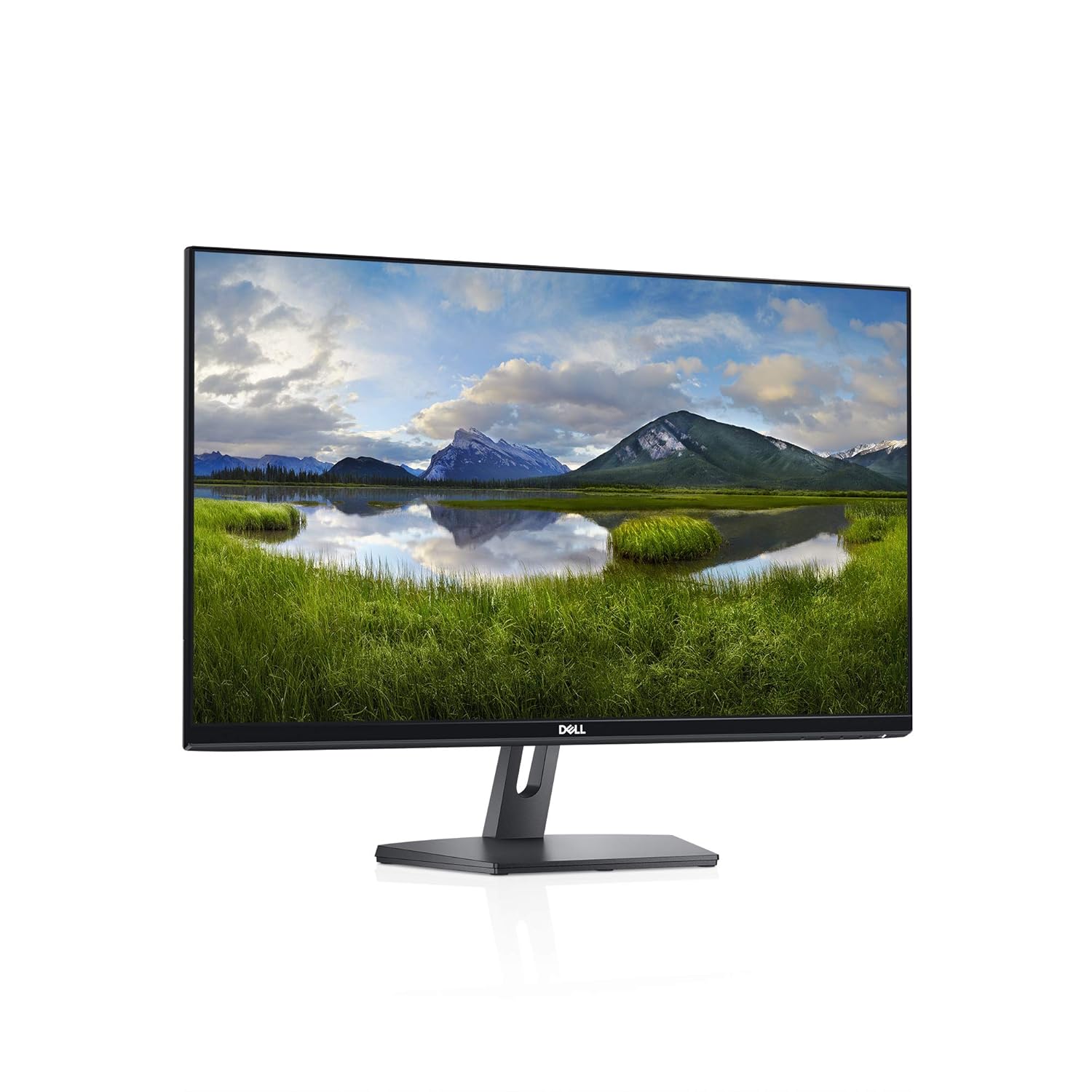
Dell SE2419Hx 23 8 IPS Full HD 1920x1080 Monitor Black
 1 / 7
Prices are shown for browsing. Purchases are currently unavailable.
Dell SE2419Hx 23 8 IPS Full HD 1920x1080 Monitor Black, $159.99, Availability unknown. Image 1 of 7.
- Selected option
- Dell SE2419Hx 23 8 IPS Full HD 1920x1080 Monitor Black
- SKU
- JC7812
Source specifications
- Brand
- Dell
- Screen Size
- 24 Inches
- Resolution
- FHD 1080p
- Aspect Ratio
- 16:9
- Screen Surface Description
- Glossy
- Standing screen display size
- 24 Inches
- Screen Resolution
- 1920x1080
- Max Screen Resolution
- 1920 x 1080
- Number of USB 2.0 Ports
- 1
- Number of USB 3.0 Ports
- 1
The details
About this item
23.8 inch thin-bezel monitor with a compact base that maximizes desk space. Brilliant from every angle with a design that shines. In order to troubleshoot horizontal or vertical lines on a monitor, the following steps are recommended: 1. Reset the monitor to Factory Settings (Factory Reset). 2. Perform monitor self-test feature check and determine if these lines are also observed in self-test mode. 3. Check for bent or broken pins in the video cable connector. If found, test with another video cable and determine if issue is still present. 4. Last, run the built-in diagnostics. 5. If lines are observed after all of these steps and during the built-in diagnostics. Thin bezel; 1920 x 1080 at 60 hertz full HD maximum resolution; 16:9 aspect ratio; Compact base to maximize desk space. Display Position Adjustments: Not Available; 1000:1 contrast ratio. Brightness: 250 Candela per square meter (TYP) Rated 4.7 out of 5. Customers find this monitor to be a perfect second monitor with great picture quality and resolution, working well with Macbook and Chromebook.
- Thin bezel
- 1920 x 1080 at 60 hertz full HD maximum resolution
- 16:9 aspect ratio
- Compact base to maximize desk space. Display Position Adjustments: Not Available
- 1000:1 contrast ratio. Brightness: 250 Candela per square meter (TYP)
- 60 hertz
From the manufacturer
Product details
23.8 inch thin-bezel monitor with a compact base that maximizes desk space. Brilliant from every angle with a design that shines. In order to troubleshoot horizontal or vertical lines on a monitor, the following steps are recommended: 1. Reset the monitor to Factory Settings (Factory Reset). 2. Perform monitor self-test feature check and determine if these lines are also observed in self-test mode. 3. Check for bent or broken pins in the video cable connector. If found, test with another video cable and determine if issue is still present. 4. Last, run the built-in diagnostics. 5. If lines are observed after all of these steps and during the built-in diagnostics.
Highlights: Thin bezel 1920 x 1080 at 60 hertz full HD maximum resolution 16:9 aspect ratio Compact base to maximize desk space. Display Position Adjustments: Not Available 1000:1 contrast ratio. Brightness: 250 Candela per square meter (TYP) 60 hertz
Key details: Standing screen display size: 24 Inches | Screen Resolution: 1920x1080 | Max Screen Resolution: 1920 x 1080 | Number of USB 2.0 Ports: 1 | Number of USB 3.0 Ports: 1 | Customer Reviews: 4.7 4.7 out of 5 stars (3,458) 4.7 out of 5 stars
How it fits your day: Use the key specs and highlights above to match it to your setup, space, or routine before you check out.
Customer feedback: 4.7/5 average rating.
Customers say: Customers find this monitor to be a perfect second monitor with great picture quality and resolution, working well with Macbook and Chromebook.
Review snippets: I am not gaming or doing graphic work, so I'm not getting into details of screen focus or graphics details. The colors are bright and good and the clarity is fine. I gave picture quality 4 stars only because I'm / I was looking for a 24 inch monitor for my WFH setup and evaluated and compared several brands but this one stood out, mainly for 2 reasons - 1. Eye-friendly flicker free screen 2. Very small footprint - the stand
From the manufacturer Enjoy the view This thin-bezel, 23.8" monitor with a compact base maximizes screen estate as well as desk space, so you can focus on your photos, videos and files. Brilliant from every angle: No matter where you sit, colors stay accurate and consistent across the wide 178°/178° viewing angle thanks to In-plane switching technology. Design that shines Elegant touches: The thin bezels offer a sleek, modern look that complements any space. Compact and solid : The stand is now 30% smaller, freeing up desk space without compromising sturdiness. A built-in power supply unit further reduces desk clutter. Choose your view : Easily tilt the monitor to get just the ideal viewing angle. Easy on the eyes Increase viewing comfort: Protect your eyes by minimizing harmful blue light with Dell's ComfortView feature. Reduce eye fatigue: Optimize eye comfort and minimize distractions thanks to a flicker-free, low-haze screen. Simplify your screen: Stay organized between applications, emails and windows on one screen using Dell Easy Arrange.